Before you drop Adobe Commerce modules, work out what the license actually buys you, which features are in use, and what data has to survive.
In the first post of this series we looked at why moving from Adobe Commerce to Magento Open Source is a migration rather than a downgrade. The next step is planning. The codebases are closely related, but Adobe Commerce includes modules and database structures that Magento Open Source does not have. Moving without preparation risks breaking functionality, losing data you still need, or carrying complexity across that you no longer want.
A plan starts with two questions: what the license is actually buying you, and what your Adobe Commerce instance does today that has to keep working tomorrow.
Put numbers on the decision before you plan the work. An Adobe Commerce license review sets what you pay Adobe against what the store uses, and what Magento Open Source would cover instead.
The answer goes both ways. If you mostly pay for the license and use little of what it adds, Open Source usually costs less to run. If your buyers depend on Adobe's B2B features every day, staying can make sense and the review will say so.
The first conversation is free. Larger scopes start with paid discovery, from $5,000.
The most practical starting point is a review of which Adobe Commerce-exclusive features are actually in use. Common areas to evaluate include the B2B suite (company accounts, shared catalogs, requisition lists), content staging and scheduling, Visual Merchandiser, customer segmentation, advanced promotions, and gift cards or store credit.
In many implementations, these modules were enabled but rarely adopted fully. Classifying each feature as essential, lightly used, or unused will help you determine what to keep, what to replace, and what to eliminate entirely.
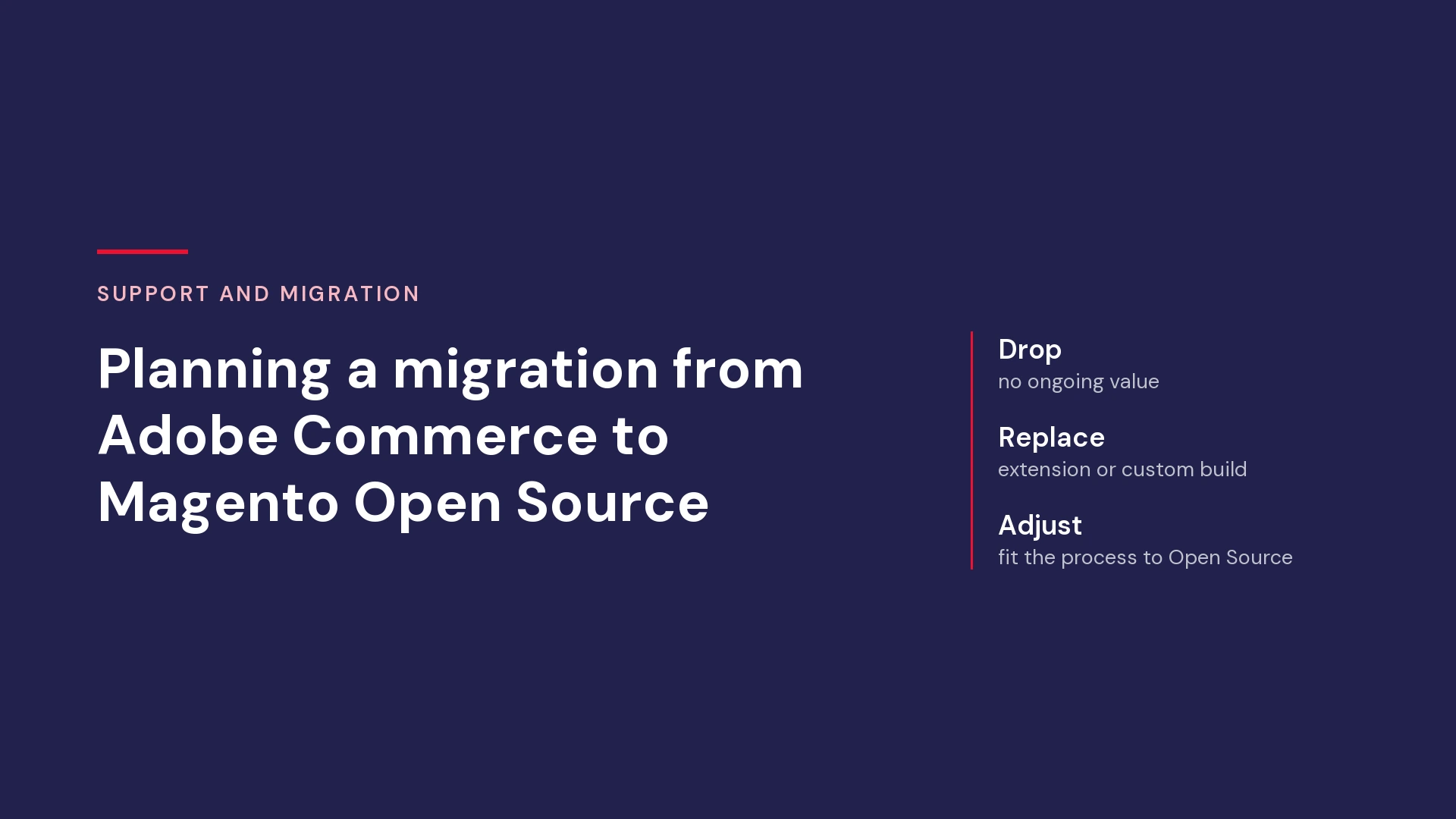
Once you know which features are in use, you can decide how to handle them in Magento Open Source. In practice, there are three paths:
This step is where expectations are set. A company that no longer relies on Visual Merchandiser, for example, can eliminate it. A team that depends on negotiable quotes may need to source an extension or develop a custom module.
Adobe Commerce introduces database tables that Magento Open Source does not use. If you run cleanup scripts without review, you may lose information that matters. Before migration, confirm which data can be discarded and which must be retained. For example, if you are removing the B2B suite but still need certain customer account records, those tables should not be dropped. Adjusting the cleanup scripts for your environment is often required.
Before making any technical changes, confirm you have:
Many Magento sites rely on third-party extensions or custom code. Some of these may depend on Adobe Commerce modules. During planning, identify whether any installed extensions will break when those modules are removed. Similarly, review integrations with systems such as ERP or CRM platforms to check if they rely on Adobe-specific data or functionality. Highlighting these dependencies early prevents unexpected failures later.
With features, data, and dependencies mapped, you can outline the migration itself. A roadmap typically includes:
Where replacement modules or custom development are required, allow time for design, implementation, and QA. Treat the migration as a phased project rather than a single event.
A successful migration is not only a technical exercise. Align your internal stakeholders on what the new platform will and will not include. Developers and administrators should know how workflows will change. Customer service, sales, and marketing teams should understand how their processes may be affected. Setting expectations about scope and timelines helps avoid surprises once the new system goes live.
Dropping the license does not end the upgrade cycle. Adobe supports each Magento version for about three years, so a Magento upgrade comes round every few years whichever edition you run. Decide before launch who applies the patches.
If that is not your own team, HyperCare is our monthly plan for Magento and Adobe Commerce stores: security patches, PCI work, monitoring, a ticket system, a staging environment and 10 hours of work, from $1,500 a month. Work beyond the plan is quoted as time and materials, and 24/7/365 support is available.
The first assessment is free, on a store we built or one we didn't.

The first conversation is free. For larger scopes, paid discovery starts at $5,000. You get what you pay Adobe set against what the store uses, and what Magento Open Source would cover instead.
Company accounts, shared catalogs and requisition lists are Adobe Commerce modules, so they do not come across. You either replace them with extensions or custom development, or adjust the process to fit what Open Source already does. That decision belongs in the plan, before any code changes.
Yes. Adobe supports each Magento version for about three years, so the upgrade comes round every few years on either edition. Upgrades are quoted after the free assessment, and on HyperCare we plan the next one ahead.
The eCommerce agency behind 100+ complex projects, ready to build yours.